
Quick Summary
Key Features
- Multi-currency receiving accounts
- Upwork/Fiverr integrations
- 200+ country acceptance
- 3.5% FX on card spend
Main Advantages
- Free virtual card issuance
- Broad coverage — available across 9 regions
Notable Limitations
- Terms change often — the provider's live numbers are final
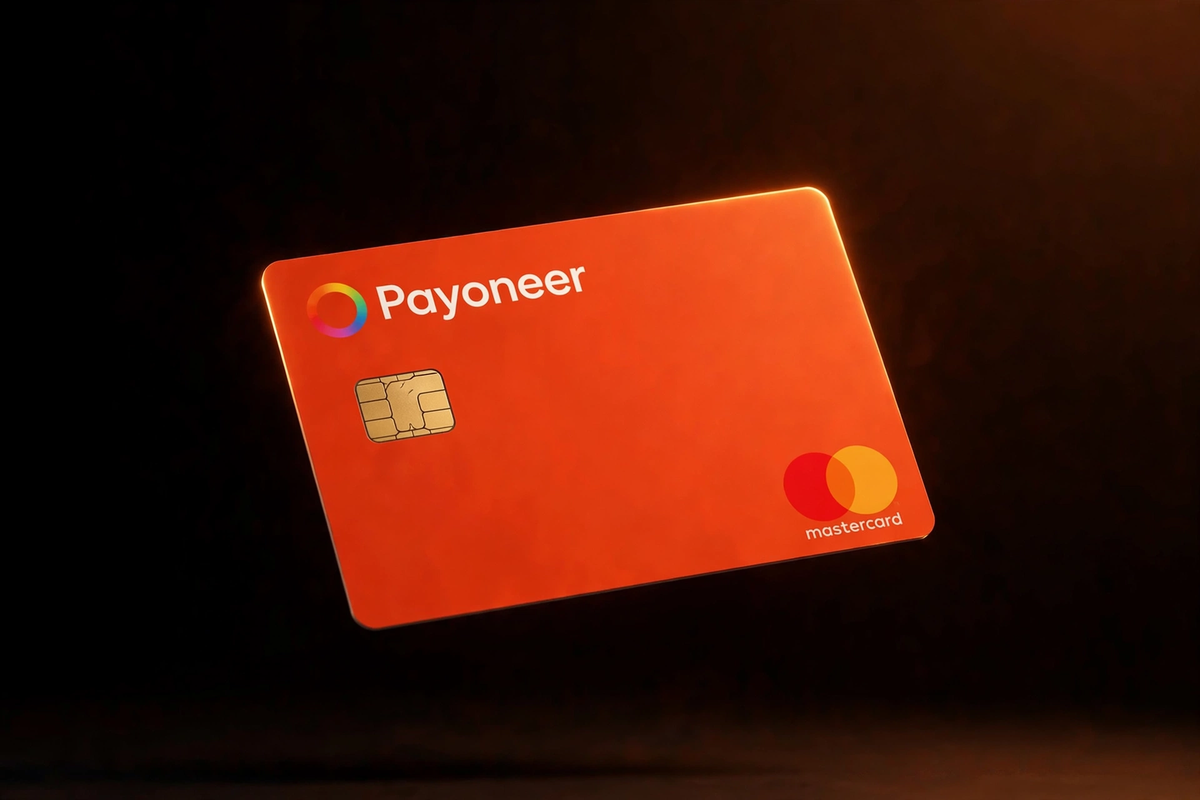
The cards
Every format Payoneer issues — pick the one that fits how you spend.
1Can I get this card?
Supported Countries Map — powered by our availability data.
Payoneer: Reported in 84 countries across 9 regions (United States, United Kingdom, Europe, Middle East, Africa, India, Pakistan, Asia-Pacific, Latin America).
Coverage reported by the provider — the exact applicant list is confirmed in-app.
2What does it cost?
Every fee we could verify for the Payoneer card.
Fees verified October 13, 2026 from public web sources. Fees change often — always confirm the app's live numbers before signing up. This page is for information only, not financial advice.
| Fee | Payoneer |
|---|---|
| Issuance fee | $0 |
| Monthly fee | $0 |
| FX fee | Varies by region — confirm in-app |
3What do I get?
Perks, rewards and capabilities that come with the card.
| Category | Benefit |
|---|---|
| Spending & FX | Multi-currency receiving accounts |
| Perks | Upwork/Fiverr integrations |
| Perks | 200+ country acceptance |
| Spending & FX | 3.5% FX on card spend |
4What do they need from me?
What you will have to provide or meet to get and use the card.
| Requirement | What it means |
|---|---|
| Identity check | ID verification required — verify your identity in the app before ordering |
| Funding | You will need a way to load the card: marketplace payouts, bank transfer, PayPal (US) |
| Age | You must be 18 or older to apply |
What is Payoneer?
Payoneer is a cross-border payments platform built for freelancers, marketplace sellers, and remote businesses. Unlike Wise or Revolut, which start from spending, Payoneer starts from receiving: it gives you local receiving accounts in USD, EUR, GBP, and other currencies so clients and marketplaces like Upwork, Fiverr, and Amazon can pay you as if you had a local bank account. The prepaid Mastercard — available as both physical and virtual cards — lets you spend those earnings online or withdraw them at ATMs.
This receiving-first design is Payoneer's moat. A freelancer in any of 190+ supported countries can invoice a US client, get paid into a US receiving account, and spend the balance with the virtual card — all without a US bank account. The card is prepaid, not credit: you spend your Payoneer balance, and additional virtual cards beyond the first are free, which is handy for separating ad spend, subscriptions, and business purchases.
Card types offered
Payoneer issues a prepaid Mastercard in physical and virtual form, denominated in USD, EUR, GBP, or CAD depending on your account's currency balances. The first card carries the $29.95 annual fee; extra virtual cards are free, so you can spin up dedicated numbers for Facebook ads, SaaS subscriptions, or supplier payments without paying more. The virtual card works for any online checkout that accepts Mastercard, and the physical card works in stores and at ATMs worldwide. Cards are tied to your currency balances, so a USD card spends your USD balance directly.
Fees explained
Card pricing is simple but not cheap: the first card costs $29.95 per year, charged annually. There is no monthly fee, and additional virtual cards are free — the annual fee is the main cost of card ownership. The expensive part is currency conversion: Payoneer charges up to 3.5% FX when you convert between currencies, which is among the highest rates on this list. Receiving money is where Payoneer shines — payments from integrated marketplaces (Upwork, Fiverr, Amazon, and others) are free to receive, and client payments via the billing service carry a published percentage.
ATM withdrawals cost $3.15 each, so the card is better for online spending than cash. Withdrawing to your local bank account carries its own fee schedule depending on currency and destination. The practical takeaway: keep money in the currency you earn it in, spend in that currency with the card, and avoid conversions wherever possible — every conversion at up to 3.5% is money Wise or Revolut would convert for a tenth of the cost.
How to get a Payoneer card
- Sign up for Payoneer with your email and personal or business details, then complete identity verification (government ID, and business documents for company accounts).
- Open receiving accounts in the currencies your clients pay in — USD, EUR, GBP, and more — and share those details on invoices or marketplace profiles.
- Order the card from the dashboard once your account is approved. Choose the currency balance the card should draw from.
- Receive your first payment — marketplace payouts and client transfers land in your balances, free from integrated platforms.
- Activate and spend the virtual card online immediately, or wait for the physical card for in-store and ATM use. Order free extra virtual cards for separate budgets.
Top-up methods
Payoneer is funded by receiving, not by depositing. Money arrives via marketplace payouts (free from partners like Upwork, Fiverr, and Amazon), direct client payments through Payoneer's billing service, and bank transfers into your receiving accounts. There is no crypto top-up and no cash loading — if nobody is paying you, there is nothing to spend. This makes Payoneer a poor choice as a general-purpose spending card and an excellent one as the receiving end of a freelance business.
Availability
Payoneer serves 190+ countries and territories, one of the widest footprints of any platform here. Card availability and supported receiving currencies vary by country due to local regulations, and some regions have limited currency options. US, UK, and EU users get the full feature set. Check the country list in the signup flow before building your payout workflow around it.
Security and card controls
Payoneer cards include standard Mastercard protections: chip-and-PIN on the physical card, 3D Secure for online transactions, and the ability to lock the card from the dashboard. Because extra virtual cards are free, the best security practice is segmentation — one card per major spending category, so a compromised subscription card cannot touch your ad budget. Account-level two-factor authentication is available and worth enabling, given that the account holds your business income.
How Payoneer compares on price
Payoneer wins on receiving and loses on spending. No other platform on this list matches free marketplace payouts across 190+ countries — that alone justifies the account for many freelancers. But the $29.95 annual card fee plus up to 3.5% FX makes it one of the priciest ways to actually spend money. The smart play used by experienced freelancers: receive into Payoneer, then withdraw or transfer to a cheaper spending platform (Wise at ~0.26% FX, Revolut within its free allowance) for day-to-day card use. Treat the Payoneer card as a backup, not your daily driver.
Limits and things to watch
The 3.5% FX fee is the headline risk — convert a $2,000 payout carelessly and $70 disappears. The dated app experience is a frequent complaint: the interface lags behind Wise and Revolut, and support response times can be slow during verification. Annual fee billing is automatic, so cancel the card if you stop using it. Also note that Payoneer accounts can be closed for inactivity or compliance reviews, and getting a closed account reopened is notoriously difficult — keep your documents current and your activity legitimate.
Payoneer for Amazon sellers and agencies
Marketplace sellers are Payoneer's core audience for good reason. Amazon disburses in local currencies across its marketplaces — USD, EUR, GBP, JPY and more — and Payoneer receiving accounts collect each one without conversion, so you only convert (or spend) deliberately. Agencies running client ad accounts use the free extra virtual cards to give every client a dedicated card number, which keeps billing clean and prevents one client's failed payment from affecting another's campaigns. For both groups, the workflow is the same: receive free, spend in the earned currency, and convert only when repatriating profits.
Reducing the FX bill
The 3.5% FX fee is avoidable with discipline. First, match currencies: spend USD earnings with the USD card on dollar-billed services and you pay 0% conversion. Second, batch conversions instead of converting drips — fewer conversions mean fewer chances to pay the spread, and it forces you to plan. Third, use Payoneer as the receiving layer and a cheap converter (Wise at ~0.26%+, Revolut within its free allowance) as the spending layer: withdraw to your bank in the original currency where possible, convert there, and fund the spending card. This two-layer setup is more admin, but on $5,000 a month of cross-currency flow it saves over $150 versus converting inside Payoneer.
Who should use Payoneer?
Payoneer is for people who get paid across borders: freelancers on Upwork and Fiverr, Amazon sellers, and remote contractors with international clients. If that is you, the free receiving and 190-country coverage are unmatched, and the card is a convenient way to spend earnings directly. If you are mainly looking for a cheap spending card and do not receive marketplace payouts, skip it — Wise or Revolut will cost you far less per transaction.
Pros
- Free receiving from marketplaces (Upwork, Fiverr, Amazon)
- Additional virtual cards are free
- 190+ country coverage
- Local receiving accounts in USD, EUR, GBP and more
- Built for freelancer and seller payouts
Cons
- $29.95 annual card fee
- Up to 3.5% FX — among the steepest here
- $3.15 per ATM withdrawal
- Dated app and slow support are common complaints
Card specs
| Feature | Payoneer |
|---|---|
| Virtual card issuance | $0 |
| Monthly / annual fee | $0 |
| Card network | Mastercard |
| Card type | Virtual |
| KYC | ID verification required |
| Top-up methods | marketplace payouts, bank transfer, PayPal (US) |
| Supported assets | — |
| Regions | United States, United Kingdom, Europe, Middle East, Africa, India, Pakistan, Asia-Pacific, Latin America |
Rating breakdown
Pros & cons
Pros
- Free receiving from marketplaces (Upwork, Fiverr, Amazon)
- Additional virtual cards are free
- 190+ country coverage
- Local receiving accounts in USD, EUR, GBP and more
- Built for freelancer and seller payouts
Cons
- $29.95 annual card fee
- Up to 3.5% FX — among the steepest here
- $3.15 per ATM withdrawal
- Dated app and slow support are common complaints
Frequently asked questions
How much does the Payoneer card cost?
The first card costs $29.95 per year. There is no monthly fee, and additional virtual cards are free. ATM withdrawals cost $3.15 each.
Is Payoneer free for receiving payments?
Payments from integrated marketplaces like Upwork, Fiverr, and Amazon are free to receive. Direct client payments through the billing service carry a published percentage fee.
What is Payoneer's FX fee?
Up to 3.5% on currency conversions — one of the highest rates among virtual card platforms. Avoid converting when possible by spending in the currency you earned.
Can I get extra virtual cards for free?
Yes. Beyond the first card's annual fee, additional virtual cards cost nothing, making it easy to separate ad spend, subscriptions, and business purchases.
Which currencies does the Payoneer card support?
The prepaid Mastercard can be denominated in USD, EUR, GBP, or CAD, drawing from your matching currency balance.
Is Payoneer available in my country?
Payoneer operates in 190+ countries, though card availability and receiving currencies vary by region. Check the signup flow for your country's feature set.
Our verdict
Payoneer is the best receiving platform for freelancers and marketplace sellers, full stop — free payouts across 190+ countries is unmatched. As a spending card, though, the $29.95 annual fee and 3.5% FX make it expensive. Use Payoneer to get paid, then move money to a cheaper card for spending, and it earns its place in your stack.
Get the Payoneer card
Apply directly with the provider — check current fees and availability for your country in their app.
Visit Payoneer's official site →Fees verified October 13, 2026. Always confirm live numbers in-app.